In today’s fast-paced digital environment creating strong agile, scalable and flexible web-based applications is a fundamental ability that every developer must be able to master. With regard to the latest JavaScript frameworks an Angular Framework stands out with its comprehensive tools, enterprise-level capabilities and an organized architecture. If you’re looking to create multi-faceted single-page websites (SPAs) or sophisticated dashboards, or platform for enterprise, Angular has the capabilities developers require to be successful.
This complete guide will guide you through a comprehensive journey, from basic ideas to advanced techniquesto help you master Angular from scratch and then use it to create real-world applications.
What Is Angular?
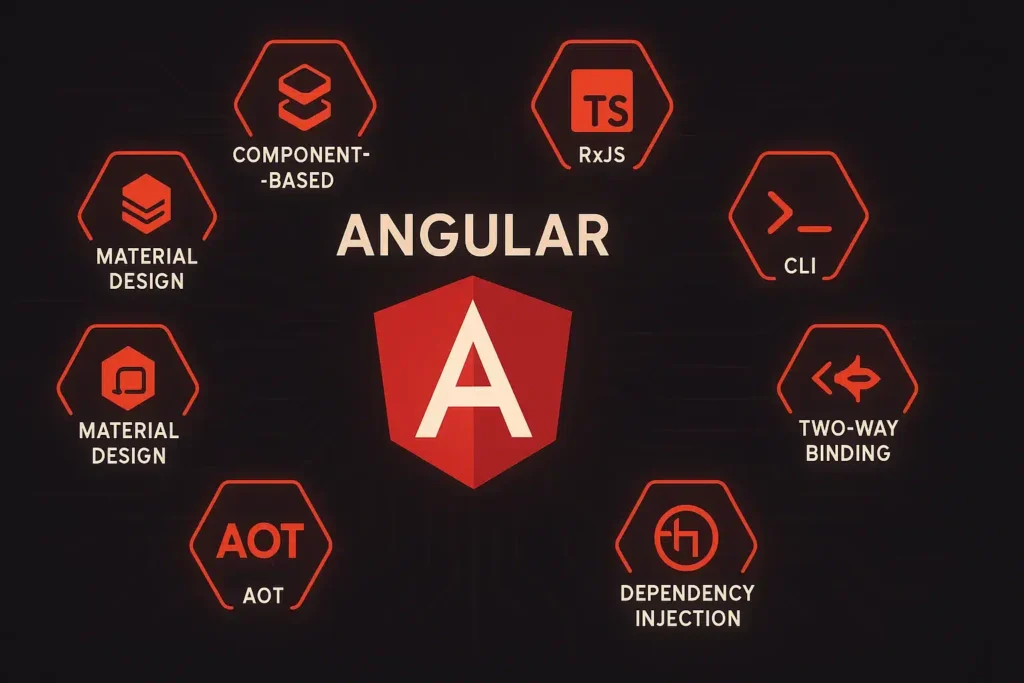
Angular is an modern web application framework, which is open source and that was developed that is maintained and developed by Google. It’s based on TypeScript and was designed to build single-page applications that have high performance and scaling.
In contrast to simpler library systems, Angular is a complete framework that includes everything you need to create complicated web-based applications:
- Component-based architecture
- Declarative templates
- Dependency injection
- Navigation and routing
- Form handling
- Built-in HTTP client
- Testing Support
An Angular framework provides an order and clarity to the code, making it perfect for small-scale projects as well as massive applications that are that are used by millions of people.
Why Learn Angular in 2025?
It is still an extremely sought-after abilities for technical and web-based developers. teams. The importance of Angular on the job market derives from a variety of advantages:
- Corporate Adoption A lot of large corporations select Angular because of its flexibility and maintenance.
- Full-featured Framework In contrast to simpler software, Angular provides all the tools you require all in one location.
- Strong Community and Assistance: Backed by Google and a worldwide developer community.
- Reusable Components Create modular components that are reused across large projects.
- TypeScript Integration: Brings structure and security for JavaScript development.
Learning Angular opens doors to rewarding jobs like Frontend Developer, Full-Stack Developer, UI Engineer, and Angular Specialist.
Prerequisites: What You Should Know Before Learning Angular
Before you dive into Angular It is highly recommended to have a good knowledge of:
- CSS and HTML: The foundational markup and styling languages used on the web.
- JavaScript Basics: Variables, functions loops, objects and synchronous programming.
- TypeScript The basics: Because Angular is constructed with TypeScript it is important to be familiar with interfaces as well as classes and types is beneficial.
These essentials will facilitate a more comfortable learning experience and allow you to learn advanced Angular concepts without hesitation.
Angular Architecture: Key Concepts Explained
Angular is based on an component-based design which means that applications are developed by reusing components, also known as components.
Components
A component is the fundamental element of an Angular application. Each component includes:
- The template (HTML view)
- (logic) A Class (logic)
- Metadata that informs Angular how to handle it
Components can help break applications into manageable, smaller parts, making the development process more manageable and adaptable.
Modules
Modules are containers which group the related components, services, and other elements of code. Each Angular application contains at least one modulegenerally referred to as AppModule.
Modules are organized and provide lazy loading, which improves performance by loading only code when it is needed.
Templates
Templates define the view of the component by with HTML as well as Angular syntax for binding data as well as event processing.
Templates for Angular offer powerful capabilities like:
- Interpolation
- Property legal
- Event that is binding
- Two-way data binding
Data Binding
Data binding links the application logic to the user interface. The Angular framework allows:
- A one-way binding -data flows from the component to the template.
- Binding in two directions -Data flows both ways It is useful for inputs into forms.
Data binding allows you to create dynamic and interactive UIs, without having to manually update the DOM.
Setting Up Your Angular Development Environment
To begin creating Angular apps, you’ll need a development environment which includes:
- Node.js and NPM Angul uses Node to build and manage packages.
- The Angular CLI is An interface for command line that makes it easier to create, test and deployment tasks.
- Code Editor: Most developers use editors like Visual Studio Code for Angular development.
After you have installed the Angular CLI, you are able to create new components, projects services, and other components using a few commands that can accelerate development by a significant amount.
Building Your First Angular Application
Let’s go over the steps to create an initial Angular application.
- Make use of CLI to create new projects. CLI to create an entirely new project.
- Go to the folder for the project.
- Run the app locally.
- Launch the app from the browser.
You’ll be presented with an initial Angular welcome screen – the sign that your system is functioning properly.
This base allows you to begin building real features and components.
Angular Components in Depth
Components are the way Angular creates an application’s UI.
Each component contains:
- Template HTML code that is displayed in UI.
- Class TypeScript software that regulates the behavior.
- Styles CSS, or SCSS to style the element.
When you break your app down into pieces like headers forms, footers, lists and much more, you create an easily scalable and modular structure.
Angular Templates & Data Binding
Templates allow you to bind information from the component to the user interface dynamically.
Types of Binding
- Interpolation:
- Property Binding: [property]=”value”
- Event Binding: (event)=”handler()”
- Two-Way Binding: [(ngModel)]=”property”
These binding techniques enable developers to create powerful user interfaces that require only a small amount of code.
Directives and Structural Changes
Directives are directives that instruct Angular how to alter the DOM.
Common Angular Directives
- ngIf Displays or hides elements according to the conditions.
- RNGFor It repeats certain elements, based upon data from a list.
- upClass Removes and/or adds CSS classes in a dynamic manner.
Directives allow developers to design interactive and responsive UIs.
Services and Dependency Injection
In Angular services, it is utilized to share logic or data across components.
Why Use Services?
- Code reusability
- Centralized management of data
- A better separation of the concerns
The Angular Dependency Injection system offers automatic services to componentscutting down on boilerplate while improving the maintenanceability.
Routing and Navigation
Modern applications require multiple views or pages. The Router feature of Angular lets you navigate between multiple views without having to reload the page.
Key Features:
- Route configuration
- Route parameters
- Security-related routes that are guarded
- Lazy loading modules
Routing can make Angular applications feel like native apps by allowing smooth and seamless transitions as well as state persistency.
Forms in Angular
The Angular form supports two types of forms:
Template-Driven Forms
Ideal for basic forms. They can handle input validation as well as simple scenarios using a simple syntax.
Reactive Forms
More suitable for complex scenarios using dynamic validations and recurrent updates.
Both strategies help you collect the input of your users efficiently and securely.
Working using HTTP and APIs
Real-world applications interact with data sources that are external to the app. The built-in HTTP client allows you to:
- Fetch data
- Sending information
- Handle errors
- Manage asynchronous flows
With observational capabilities, Angular makes API communication effective and responsive.
State Management in Angular
In the case of complex applications, governing state is crucial.
Popular Techniques:
- Component state
- Services that are observable
- Libraries that are external to the global state
State management is a way to keep huge code bases organized and reliable.
Angular Animation
Animations can enhance the user experience by generating movement and responsiveness during interactions.
Supports with angular angles:
- Transitions
- Triggers
- States
Animation can help applications feel more natural and professional.
Angular Performance Optimization
It is essential for performance to ensure customer satisfaction.
Best Practices:
- Lazy loading modules
- Using OnPush change detection
- Reducing the need for unnecessary component renderings
- Optimizing loading of images and assets
These techniques enable Angular applications more efficient and faster. efficient.
Testing Angular Applications
Angular allows for a variety of testing methods:
- Unit testing
- Testing integration
- End-to-end testing
Tools such as Jasmine and Karma assist in ensuring your code runs properly and safely.
Angular CLI Best Practices
The Angular CLI makes tasks easier, such as:
- Generating components
- Running development servers
- Building designs
- Tests for running
Utilizing the CLI efficiently accelerates development and enforces a consistent structure.
Deployment: Taking Your Angular App Live
The deployment of Angular apps requires:
- Producing models for production
- Minifying code
- Optimizing assets
Once it is installed Once it is installed, your Angular application is quickly and smoothly in web browsers.
Real-World Angular Use Cases
The term “Angular” is employed in:
- Enterprise software
- Internal dashboards
- Platforms for e-commerce
- Web apps that are progressive
- Customer portals
These examples show Angular’s flexibility and its real-world utility.
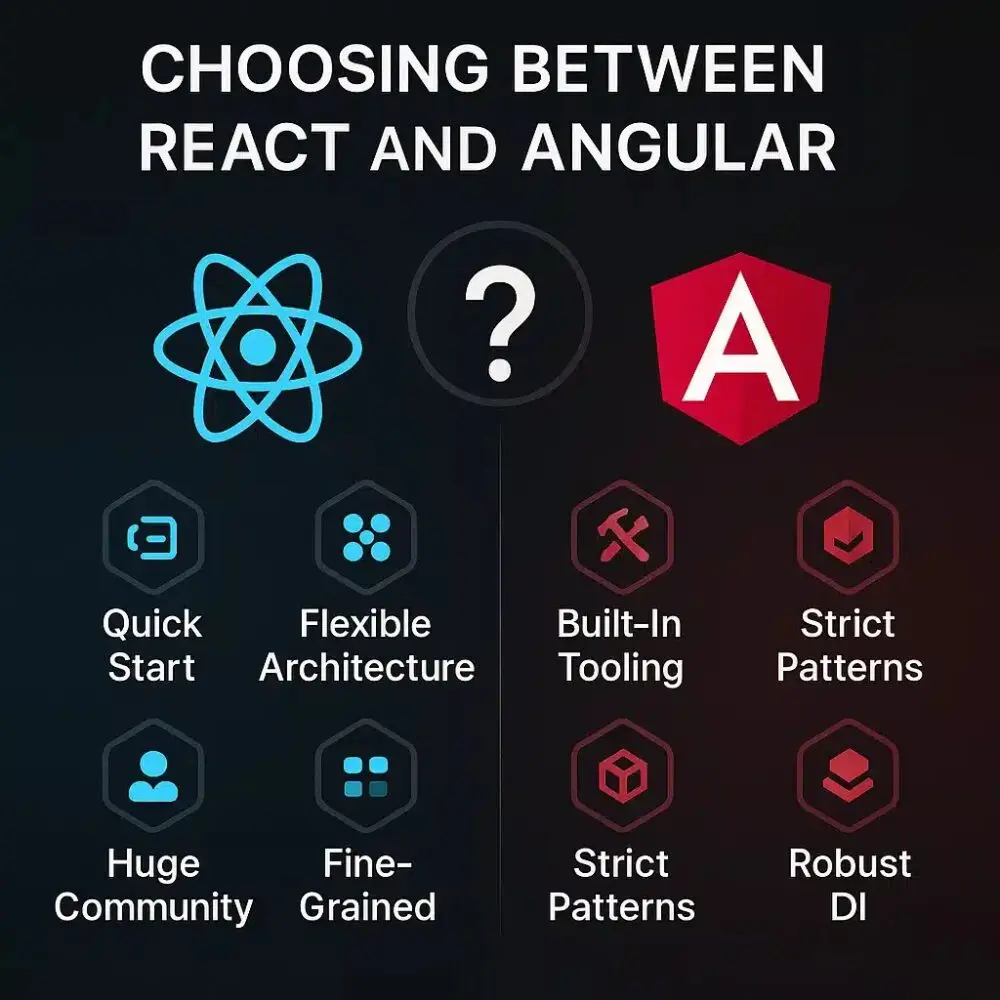
Angular vs Other Frameworks: What Makes It Unique?
In comparison to other options:
- Complete structure straight out of the box
- Strong TypeScript integration
- Enterprise-ready architecture
- A wide range of tools and support
It is possible that Angular will be more than others yet its conventions ensure stability and scalability, particularly for large teams.
Common Mistakes Beginners Make
To prevent learning delays:
- The art of skipping TypeScript fundamentals
- Not paying attention to architecture patterns
- Do not use Angular CLI
- Beware of testing
- Misusing change detection
Being aware of these issues can help students progress more quickly.
How to Practice Angular Effectively
The most effective ways to learn about the language of Angular:
- Real projects must be built.
- Learn about official documents
- Join developer communities
- Program for pairing with peers
- Learn how to solve challenges with tutorials
Practice beats theory every time.
Career Opportunities through Angular
The ability to learn Angular can open doors to roles like:
- Frontend Developer
- Full-Stack Developer
- UI/UX Engineer
- Angular Specialist
- Technical Lead
With the demand for enterprises continuing to rise, Angular skills remain highly employable.
Final Thoughts
An Angular framework is more than just a framework, it’s an entire ecosystem which lets developers build modern, flexible and powerful web-based applications. Its well-organized approach, strong community, and broad adoption by enterprises make it among the most popular choices for web development beyond 2025.
If you’re just beginning or are looking to level up your abilities learning Angular can open up a wide range of possibilities and creates an excellent foundation for your future development career.